The Power of Lists: Turn Simple Lines into Big Wins
Lists are one of the most efficient productivity tools available. Whether you’re crafting a daily to-do list, compiling a shopping list, or building a long-term reading list, the act of writing items down clarifies priorities, reduces decision fatigue, and increases the likelihood that tasks get done.
Why lists work
– External memory: Moving tasks from your head to paper or an app frees cognitive bandwidth for focused work.
– Prioritization: Seeing everything in one place makes it easier to rank items by urgency or impact.
– Small wins: Crossing off items delivers immediate feedback and motivation, reinforcing momentum.
– Consistency: Checklists reduce errors when repeating complex tasks, from packing for a trip to following a content-publishing workflow.
Common types of lists and how to use them
– Daily to-do list: Limit to a manageable number of high-impact tasks. Use categories like “Must Do,” “Should Do,” and “Nice to Do” to prevent overload.
– Weekly planning list: Map out the week’s priorities and batch similar tasks to reduce context switching.
– Project checklist: Break projects into clear, sequential steps. Include dependencies and estimated time for each item.
– Packing/shopping list: Organize by location or aisle to speed completion and avoid forgetting essentials.
– Habit or goal list: Track daily behaviors with simple yes/no markers to build streaks and reinforce consistency.
– Reading/watchlist: Keep one list for ideas and another for items you’ve committed to, avoiding an overwhelming backlog.
Practical list-making techniques
– The one-page rule: Keep a daily list to one page or one screen. Too many items dilute focus.
– The two-minute rule: If a task takes less than two minutes, do it immediately and remove it from the list.
– Top three priority method: Identify the three tasks that will have the biggest impact and tackle them first.
– Time-blocking tie-in: Convert list items into calendar blocks so tasks have scheduled windows and realistic expectations.
– The “brain dump”: When overwhelmed, empty everything into a master list, then sort and prioritize. This clears mental clutter fast.
Digital vs. analog
Both formats have strengths. Analog (paper, sticky notes) is tactile, fast, and helpful for brief planning.
Digital tools provide searchability, reminders, recurring tasks, and easy reordering. Use a hybrid approach: capture ideas quickly on paper, then migrate to a digital system for tracking and reminders.
Make lists that stick
– Keep items actionable: Replace vague line items like “Work on marketing” with “Draft three social posts for product launch.”
– Add context: Attach time estimates, deadlines, and required materials so items are ready to do.
– Review regularly: A quick morning and evening scan keeps priorities aligned and prevents buildup.
– Celebrate completion: Mark progress visibly—strike-throughs, checkmarks, or moving items to “Done” increases satisfaction and reinforces use.
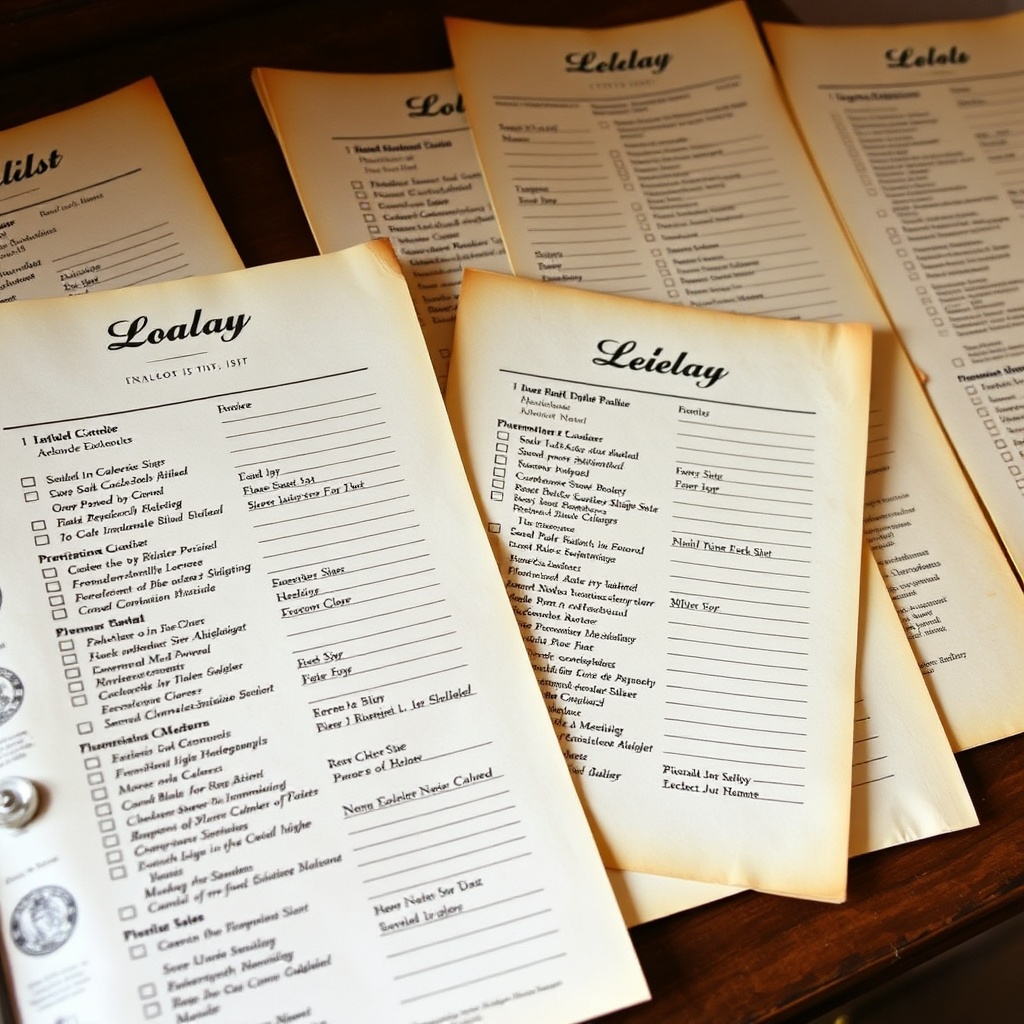
Checklist culture beyond productivity
Lists aren’t just for chores and work. They support safety in high-stakes environments, improve consistency in hiring or onboarding, and make travel less stressful.
Teams that standardize key processes through lists reduce errors and improve handoffs.
Try this today
Pick one area where you feel stuck—daily tasks, packing, or a small project—and build a focused list using the “top three” and two-minute rules. Track completion for a week and notice how small structural changes change your momentum and clarity. Lists are simple, but when used with intention they become a powerful engine for getting things done.
