The Art of Lists: How Smart Lists Boost Productivity and Creativity
Lists are one of the simplest, most powerful tools people use to organize time, capture ideas, and move projects forward. Whether you rely on a sticky note, a digital task manager, or a dedicated notebook, mastering list-making can reduce overwhelm, increase focus, and sharpen creativity.
Why lists work
Lists externalize thought.
They move tasks and ideas out of your head and into a visible system that can be prioritized, edited, and acted on. This frees mental space for deeper work and better decision-making. Lists also create momentum: checking an item off triggers a small reward loop, encouraging consistent progress.
Types of lists that make a difference
– To-do lists: Short, actionable tasks for the day or week.
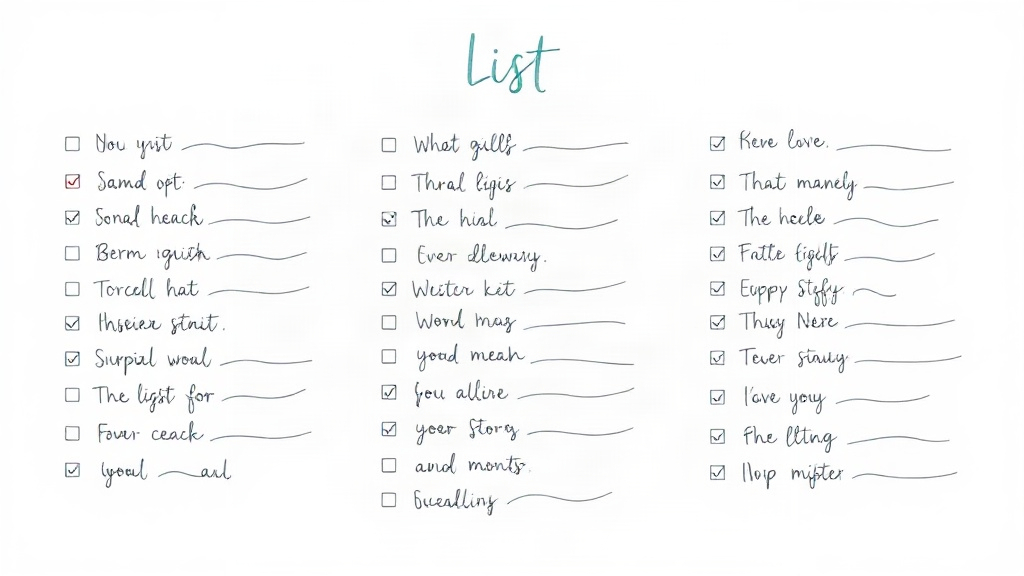
Keep items specific and achievable to avoid paralysis.
– Checklists: Step-by-step procedures for repeatable work, especially useful for quality control and reducing errors.
– Project lists: Subtasks grouped under a larger objective—ideal for tracking milestones and handoffs.
– Shopping and errands: Simple, location-aware lists that prevent unnecessary trips and impulse purchases.
– Reading and idea lists: Curated collections that nurture learning, creativity, and future projects.
– Pros and cons lists: A quick way to clarify decisions and weigh trade-offs.
How to make lists that actually help
1. Be specific: “Prepare presentation” is vague. “Outline 10-slide presentation and draft speaker notes” is actionable.
2. Limit daily items: Aim for a focused short list of 3–5 high-impact tasks to build momentum and avoid burnout.
3.
Use categories and tags: Group related tasks (Work, Home, Errands) so you can focus by context.
4. Prioritize visually: Number items, mark high-priority tasks with symbols, or reorder by importance.
5.
Break big tasks into steps: Large items stay on the list until they’re manageable; chunking prevents avoidance.
6. Timebox entries: Add estimated durations to avoid underestimating effort and to plan realistic days.
7. Review and prune regularly: Daily and weekly reviews keep lists relevant and prevent clutter.
8. Combine paper and digital: Paper lists are tactile and satisfying; digital lists offer reminders, syncing, and search.
Use both where they complement each other.
Checklist best practices
Checklists are lifesavers for repetitive or safety-critical tasks. Keep them concise, use clear language, and test them in real-world scenarios. When teams share checklists, standardize wording to reduce misunderstandings and ensure consistent outcomes.
Creative uses for lists
Lists aren’t only for chores. Idea lists help capture sudden flashes of inspiration.
Curated reading lists support ongoing learning. “What I learned this week” lists build reflection habits. Using lists as collections—recipes to try, films to watch, goals to revisit—turns them into long-term creative resources.
Common pitfalls and how to avoid them
– Overloading one list: Maintain separate lists for contexts to prevent cognitive overload.
– Making items too vague: Ask “what’s the next action?” and write that.
– Never reviewing lists: Schedule short reviews to keep lists actionable and current.
Getting started
Pick one area—daily tasks, a project, or a grocery run—and create a simple list using the principles above. Make it a habit to review and check off items at the end of the day. Small, consistent improvements in how you list will compound into measurable gains in productivity and creativity.
Lists are low-effort, high-impact tools. With clarity, discipline, and a bit of experimentation, they become the backbone of a more organized, focused, and creative life.
