Lists are one of the simplest tools for organizing thought, boosting productivity, and producing content that connects.
Whether you keep a daily to-do list, a grocery list, or craft listicles for a blog, knowing how to make lists work for you can reduce stress and make decisions faster.
Why lists matter
– Cognitive offloading: Writing items down frees working memory, so you can focus on execution instead of remembering details.
– Momentum and motivation: Ticking items off creates progress signals that encourage continued effort.
– Clarity and prioritization: A well-structured list reveals what’s most important, what can wait, and what can be delegated.
Common types of lists and smart uses
– To-do lists: Keep tasks actionable and time-bound.
Replace vague entries like “project” with specific steps: “Draft project outline (30 min).”
– Checklists: Ideal for repeatable processes—travel packing, pre-flight checks, onboarding flows. Checklists prevent costly oversights.
– Shopping lists: Group by store or by aisle to save time. Maintain a master pantry list to reduce repeat purchases and waste.
– Reading/watch lists: Use categories (work, leisure, learning) and add short notes on why each item matters.
– Bucket and goals lists: Treat these as inspiration boards. Distinguish between “want to do” and “committed to do” so long-term goals don’t crowd daily priorities.
– Content lists (listicles): Readers love numbered lists for skimmability. Each point should deliver clear value and include an actionable takeaway.
Structure and methods that actually work
– Limit your daily list: A long list becomes a burden.
Focus on 3–5 priority tasks that will move the needle.
– Use verbs: Start each item with an action word—“Call,” “Write,” “Schedule”—to make the next step obvious.
– Break large tasks into subtasks: Chunking reduces overwhelm and improves completion rates.
– Time-box tasks: Assign estimated time to tasks to keep momentum and avoid perfectionism.
– Review and prune regularly: A weekly review clears out outdated items and helps reset priorities.
Analog vs. digital: choose what you’ll use
– Analog (paper, bullet journal): Great for deep focus and planning rituals.
The tactile act of crossing off items is satisfying and memorable.
– Digital (apps, boards, tags): Useful for collaboration, reminders, and recurring tasks. Popular tools include task managers and note apps that sync across devices.
Use labels, priorities, and filters so lists remain manageable instead of chaotic.
Design tips for high-impact lists
– Keep items short and scannable.
Readers and teammates should grasp meaning in one glance.
– Group related items under headings for clarity and faster navigation.
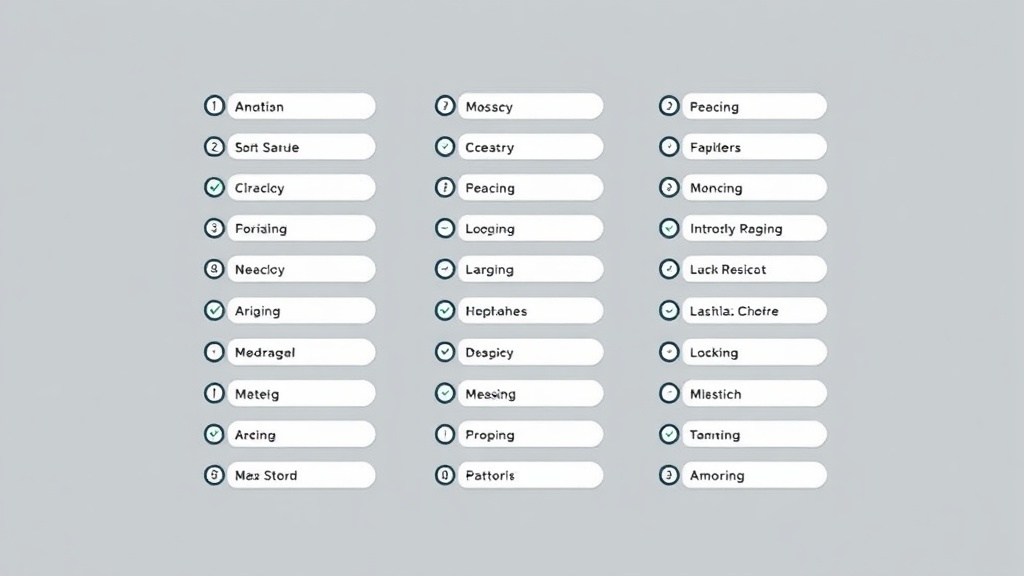
– Use checkboxes for progress tracking; consider color-coding priorities for visual cues.
– For public content, use numbered lists when order matters and bullets when it doesn’t.
Lists for teams and projects
– Shared checklists reduce errors in handoffs and make accountability visible.
– Embed acceptance criteria alongside tasks so teammates know when a task is truly done.
– Avoid over-assigning: maintain one source of truth for tasks to prevent duplication and confusion.
A small change like rethinking how you build and use lists can have outsized benefits. Start by streamlining one list—limit it, add verbs, and review it weekly—and watch focus and completion rise. Lists are simple, but when designed with intention, they become powerful tools for clarity and momentum.
