The Quiet Power of Lists: How Simple Items Boost Productivity, Creativity, and Content
Lists are small structures with big impact. Whether scribbled on a sticky note, organized inside a task app, or used as a headline format for articles, lists help people process information, make decisions, and take consistent action. Their strength lies in clarity: breaking complexity into discrete, manageable steps reduces cognitive load and increases follow-through.
Why lists work
– External memory: Offloading tasks to a list frees mental bandwidth for problem solving and creativity.
– Progress signals: Checking off items triggers a dopamine response that reinforces momentum.
– Scanability: Lists make content easier to skim, improving comprehension and time-to-action.
Practical types of lists
– To-do lists: Short, actionable tasks for daily focus.
Keep entries specific and verb-driven (e.g., “Draft client proposal” rather than “Work on proposal”).
– Checklists: Step-by-step sequences that ensure consistency—ideal for repeatable processes like onboarding, pre-flight checks, or quality control.
– Prioritized lists: Use the “Most Important Tasks” approach to limit high-impact work to a manageable number each day.
– Bucket and reading lists: Long-term inspiration tools to capture goals and interests without immediate pressure.
– Packing and shopping lists: Concrete, item-based lists that minimize forgetfulness and waste.
Best practices for effective lists
– Keep items actionable and granular. If a task takes more than an hour or a few focused steps, break it into sub-tasks.
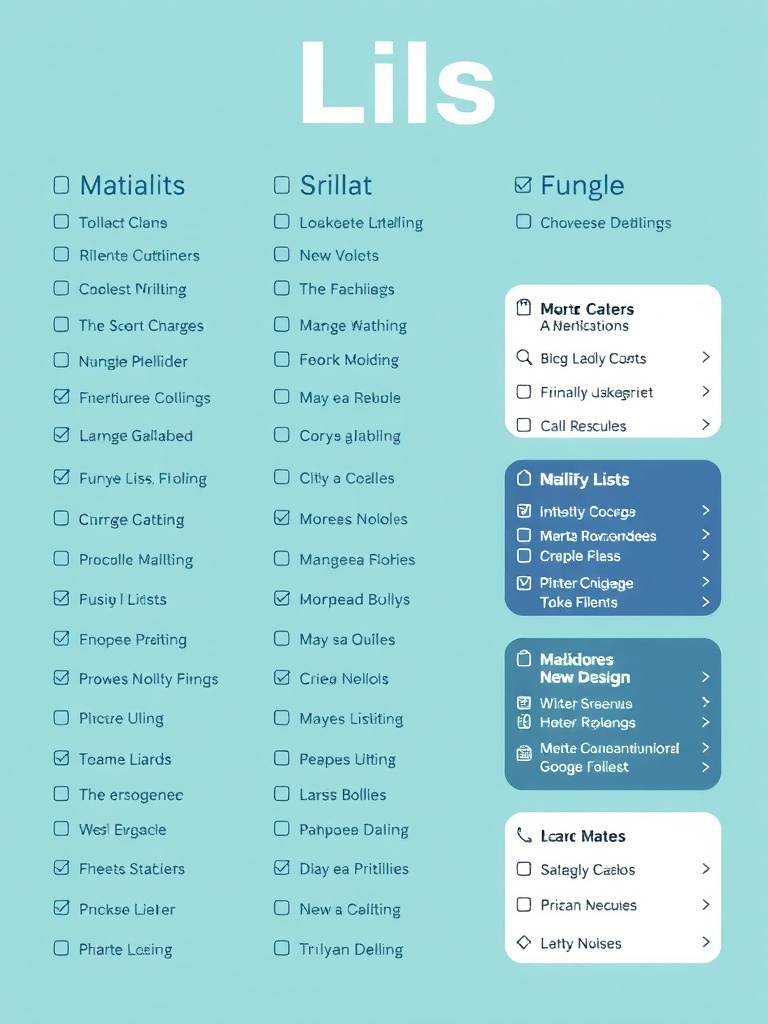
– Limit daily tasks to a realistic number. People perform best with a focused short list of priorities rather than a long, demoralizing backlog.
– Use verbs and outcomes. Replace vague entries with specific actions and expected results.
– Review and prune regularly.
A weekly sweep prevents lists from growing stale and keeps priorities aligned.
– Batch similar tasks. Grouping related items reduces context switching and boosts efficiency.
Digital vs. analog
Analog lists (paper notebooks, index cards) excel at focus and tactile satisfaction. Digital lists (task apps, note tools) win for syncing, reminders, collaboration, and automation. Combine both: capture ideas on paper, then transfer and organize in a digital system for tracking and review.
Optimizing lists for content and SEO
– Use numbered lists for sequential steps and unordered lists for groupings. Both formats improve readability and often attract featured snippets.
– Headline lists (listicles) perform well because readers can anticipate concrete takeaways; include clear numbers and benefit-driven language.
– Structure list content with short paragraphs and bolded keywords to aid scanning and retention.
Common pitfalls and how to avoid them
– Overstuffing: Avoid making daily lists too long. Prioritize ruthlessly.
– Vagueness: “Tidy kitchen” is less helpful than “Wash dishes, wipe counters, put away groceries.”
– One-size-fits-all systems: Tailor cadence and tools to the task—some items need daily check-ins, others monthly reviews.
Quick starter checklist for building a better list system
– Choose capture methods (paper, app, or both).
– Define a daily priority cap (e.g., 3–5 MITs).
– Set a weekly review time to update and prune.
– Create templates for recurring processes.
– Archive completed items for learning and momentum tracking.
Start with one focused list today and experiment with format and frequency. Small, consistent improvements to how lists are created and managed deliver outsized gains in clarity, confidence, and accomplishment.
